Updated:
vRealize Operations Manager, commonly shortened to vROPS, is a historical product-family name associated with analyzing resource and performance data in virtualized environments. This guide explains its operating concepts. For an installation or upgrade, match the installed release, current product naming and entitlements to the relevant Broadcom documentation.
Enlarge illustration →
What operations analytics contributes
One server’s CPU percentage rarely describes an entire incident. A virtual machine, host, datastore and application can expose different symptoms of the same problem. Operations analytics helps connect these observations. The objective is to identify where investigation should focus, rather than simply produce more charts.
Metrics, logs and application traces are different data types. Resource trends help with capacity planning, while an exact error may appear in an application log. Do not assume that every data source is included in every license or integration. Start with the visibility needed for a specific operating question.
Identify the installed release and integrations
The vROPS and vRealize names remain visible in older installations and search results. Product names, bundles and documentation from different periods should not be treated as interchangeable. Identify the installed release and use its documentation for infrastructure compatibility, adapters and supported upgrade paths.
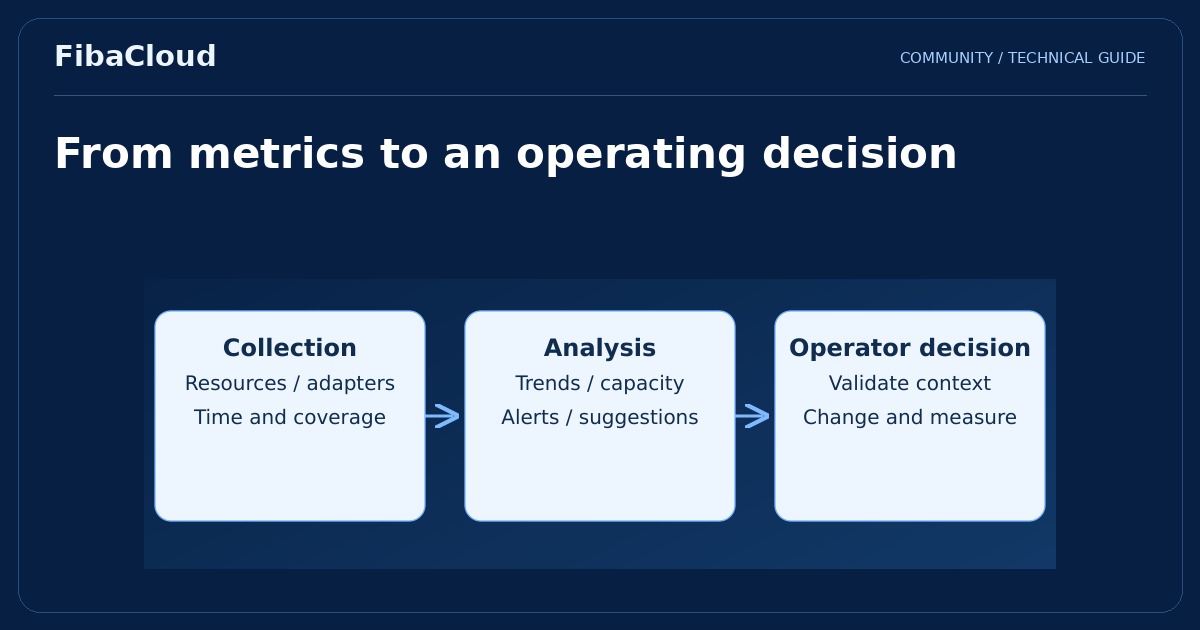
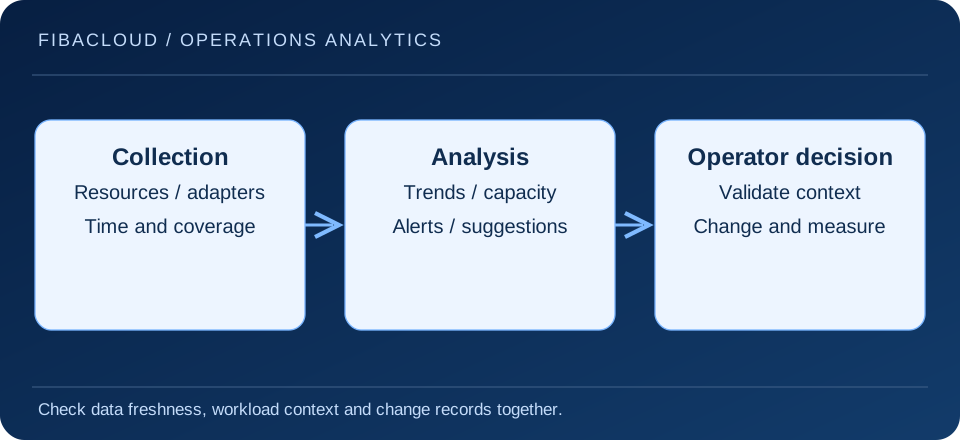
Review what the collection account can see and which permissions it holds. Excessive privilege increases exposure, while insufficient access can hide resources. An adapter reporting that it is running does not prove complete or fresh data. Check the last successful collection and look for missing objects before interpreting an empty or quiet dashboard.
Interpret capacity in business context
A capacity recommendation depends on observed history and selected policy. Seasonality, a planned campaign or a new application release may not be represented in past measurements. Proposed resizing should therefore be reviewed with the workload owner. A daily average can hide a short but business-critical peak.
A database with low CPU utilization may be waiting on storage or locks rather than holding unnecessary capacity. Examine latency, memory and storage during the same interval. The useful outcome is an application completing required work within its target, not a resource percentage moving toward an arbitrary value.
Make alerts actionable
- Understand the triggering condition and the resources it covers.
- Connect the alert with an application owner and relevant maintenance activity.
- Review false positives and give suppressions an expiry and a reason.
- Assign investigation, escalation and closure responsibility for important alerts.
- After a change, check both the metric and the user-facing result.
Automatically applying every recommendation may be inappropriate. Reducing memory, moving workloads or changing resource policy can affect applications. Any automation should have a documented scope, approval boundary and recovery process supported by the installed release.
Measure operating value
Choose a problem first, such as unexpected capacity pressure, lengthy investigation or unowned alerts. Establish a baseline and a result the team can observe. Fewer collection gaps, correct routing of an incident and verified application behavior after a change are more useful measures than dashboard count.
Review the analysis process when the environment changes. Newly added resources, expired credentials or changed adapter permissions can create blind spots. Include collection health and inventory coverage in routine maintenance so that operational decisions are not based on stale assumptions.
Frequently asked questions
- Does vROPS find every application problem?
-
No. Visibility depends on collected data, integrations and application observability. Metrics may need to be combined with logs and application investigation.
- Should a capacity recommendation be applied immediately?
-
Review workload context, peaks and dependencies first. Production changes need an appropriate test, approval boundary and rollback plan.
Your next step
Use the Log Insight guide to distinguish metrics from logs and the automation guide to define lifecycle controls. Verify implementation details against documentation for the installed release.
Sources
- Broadcom — VMware Aria Operations 8.18 User Guide
- NIST SP 800-137 — Information Security Continuous Monitoring
- NIST SP 800-146 — Cloud Computing Synopsis and Recommendations
- Broadcom — VCF 9.1 cost and capacity management
- Broadcom — Aria Operations 8.18 release notes and earlier vRealize version context