Updated:
KVM provides hardware-assisted virtualization through the Linux kernel. It is commonly used with userspace components such as QEMU to run guest operating systems. KVM, QEMU and libvirt are related but distinct: they provide a kernel interface, a machine model and a management layer respectively.
Enlarge illustration →
How the components fit together
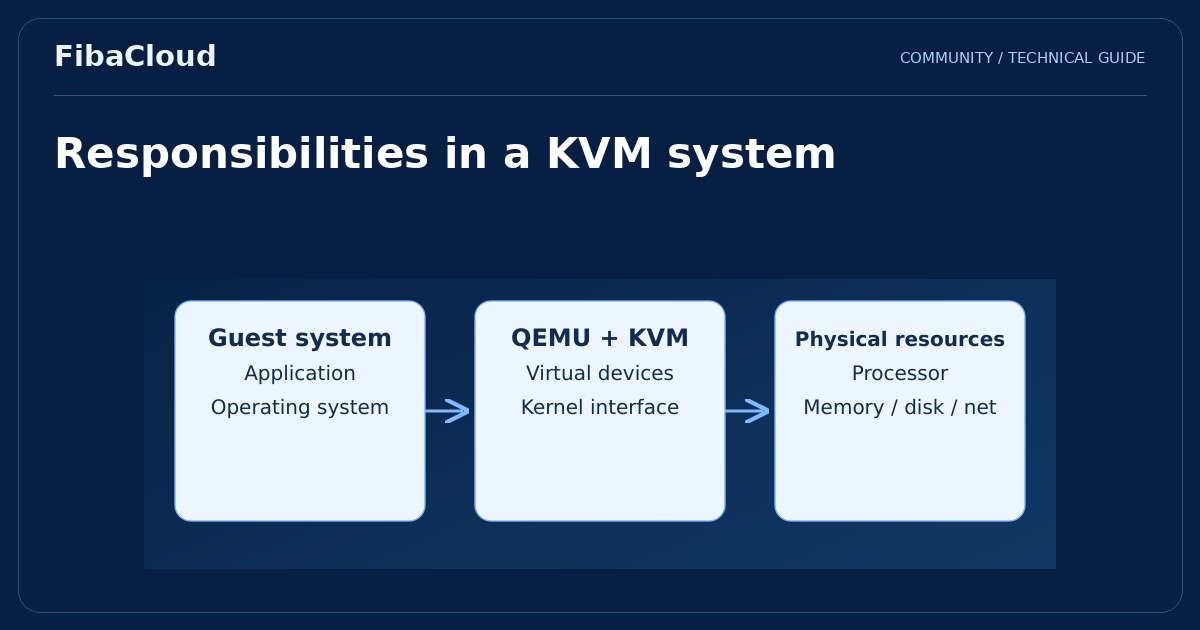
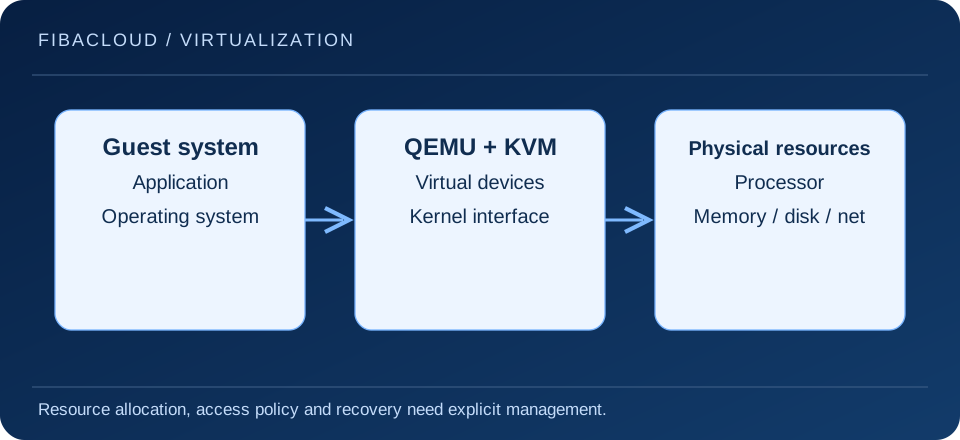
KVM makes compatible processor virtualization features available through Linux. QEMU can provide the guest’s machine and device models and use the KVM interface to accelerate guest processor execution. libvirt is a separate layer for managing machine definitions, lifecycle operations and supported networking or storage configurations.
A problem observed in a libvirt-managed guest is therefore not automatically a KVM problem. Slow storage may originate in the backend; packet loss may involve a bridge or firewall; an application may create its own latency. Investigating only the hypervisor label can obscure the actual bottleneck.
Check requirements and capacity
Processor support is only one requirement. Firmware settings, kernel modules and authorized access must also be suitable. When the host is itself a virtual machine, nested virtualization needs explicit support. Confirm that capability against the service’s technical scope instead of assuming every virtual server provides it.
Reserve resources for the host and its management processes. Assigning memory or virtual processors to guests does not increase the machine’s physical capacity. Consider workloads that become busy at the same time, rather than relying only on daily averages. Storage latency and network limits belong in the capacity plan alongside processor and memory figures.
Measure before tuning
Suitable guest device drivers matter. Virtio devices can provide a more appropriate path than fully emulated devices in supported configurations, but operating system support and driver requirements must be checked. Processor models, NUMA placement and huge pages are workload-specific choices, not universal performance switches.
Begin with application response time, throughput and error rate. Then inspect processor use, memory pressure, storage queues and network behavior in both guest and host. Use a repeatable test and change one relevant variable at a time. A faster short benchmark does not prove that a configuration will be more reliable or economical in production.
Isolation still requires maintenance
Virtual machines have isolation boundaries, but those boundaries do not remove the need for security updates and sound configuration. Maintain supported versions of the host, QEMU and management components. Restrict administrative interfaces, protect virtual disk files and grant service accounts only the permissions required for their jobs.
Shared folders, device passthrough and bridged networks change the isolation design. Decide which resources should be shared before enabling a feature. Device passthrough introduces additional requirements, including suitable IOMMU grouping and device behavior. Test such changes outside production and retain a recovery path if access or boot behavior changes.
Plan for routine operation and failure
A successful installation is not the same as an operationally ready system. Backups must suit the guest applications, be stored outside the relevant failure domain and be restorable. Establish the startup order after host maintenance, document network dependencies and decide what happens when capacity becomes constrained.
KVM alone does not provide a complete high-availability service or a live-migration policy. Those require additional architecture, compatible resources and management. Include the people and procedures responsible for patching, monitoring, restoring machines and handling incidents in the design. This avoids discovering during an outage that a platform feature had no working operational process behind it.
Frequently asked questions
- Does open source KVM make the total operating cost zero?
-
No. Hardware, licensed guest software, monitoring, backups and the team’s operating time remain part of the cost.
- Do all KVM-based servers perform alike?
-
No. Physical resources, sharing policies, drivers, storage and application behavior all influence results.
Your next step
Compare the components in the QEMU guide. For a workload deployment, assess the server family and its actual technical limits together.