TLS / CSR
CSR Code Generation: SAN and Private Key Checks
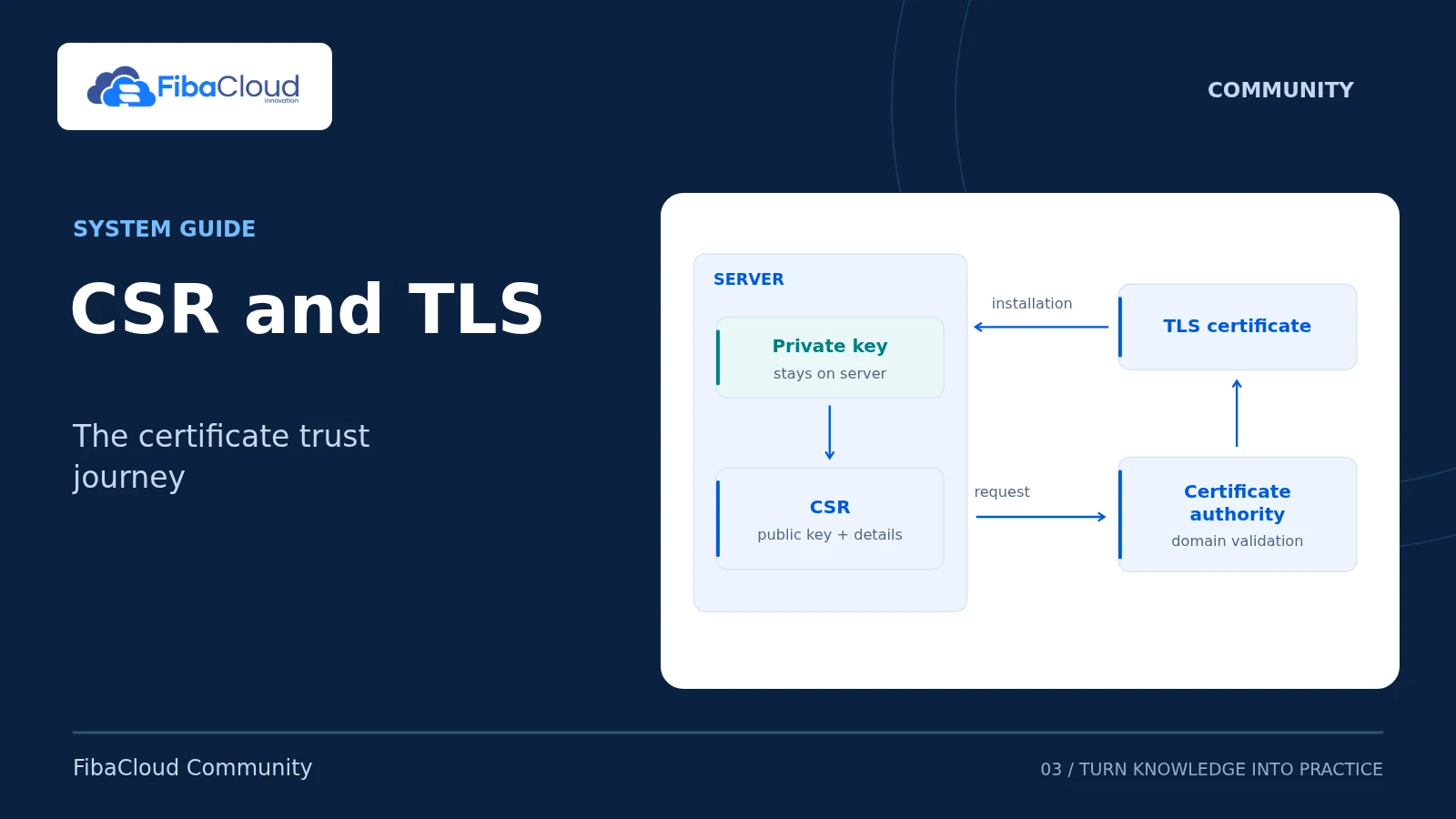
Check domain names and SAN entries in a certificate request, and protect the matching private key.
Read the guide: CSR Code Generation: SAN and Private Key ChecksOne FibaCloud account for Cloud and Community.
My FibaCloud accountCloud console Ask a question How to ask a useful questionFIBACLOUD COMMUNITY
Server, application and data guides for developers and small business teams. Choose a topic and assess each step against your environment and software version.
Existing guides · Topic-specific diagrams · Technical sources
WHEN FOLLOWING A GUIDE
THE TECHNICAL LIBRARY
Each guide covers a specific task. Choose installation, concept and operations steps to match your project.
Choose the right connection model for SSH, certificate requests and file transfers.
TLS / CSR
Check domain names and SAN entries in a certificate request, and protect the matching private key.
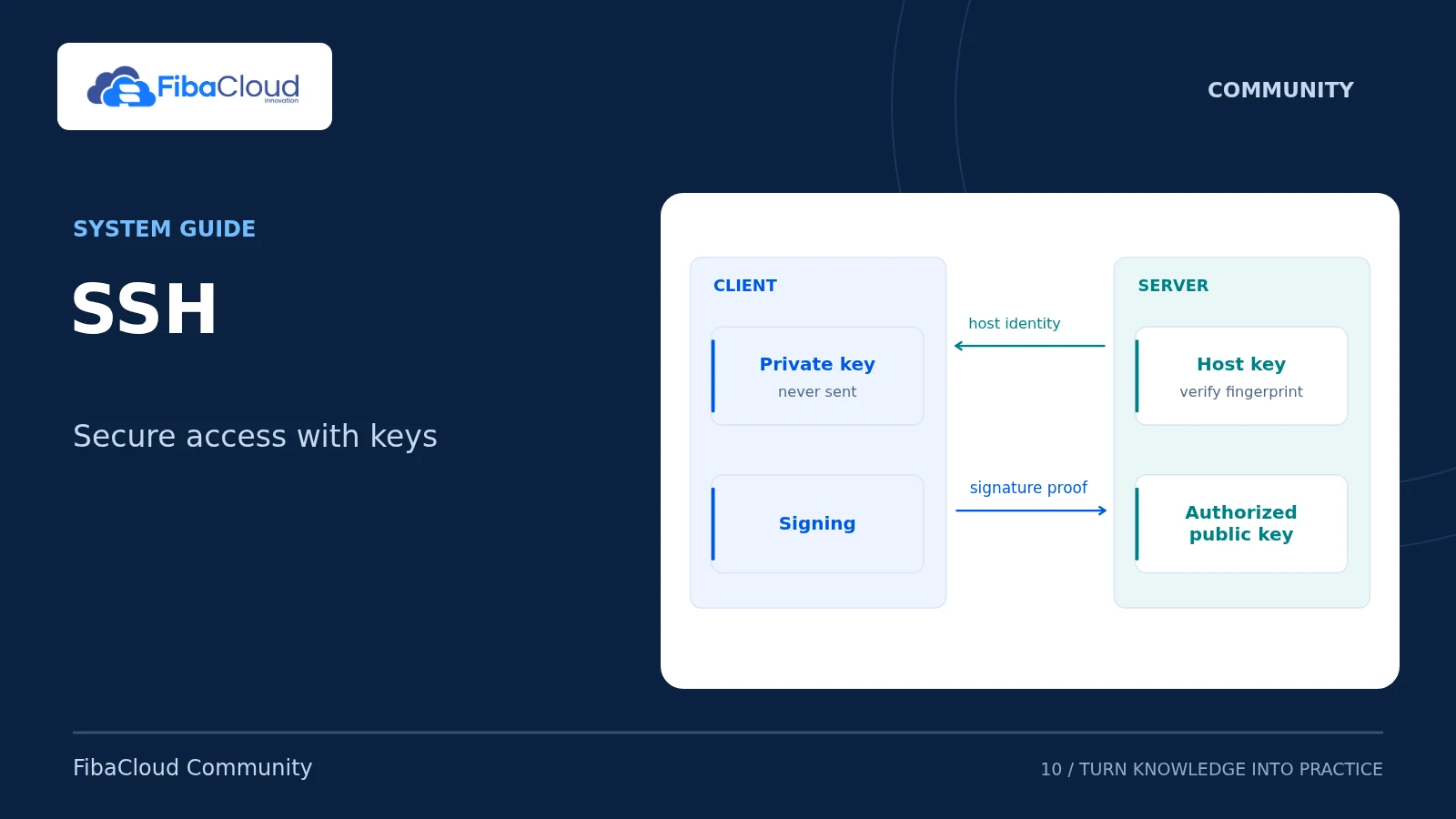
Read the guide: CSR Code Generation: SAN and Private Key ChecksSSH
Check the server identity and key, connect with the right user and distinguish common access problems.
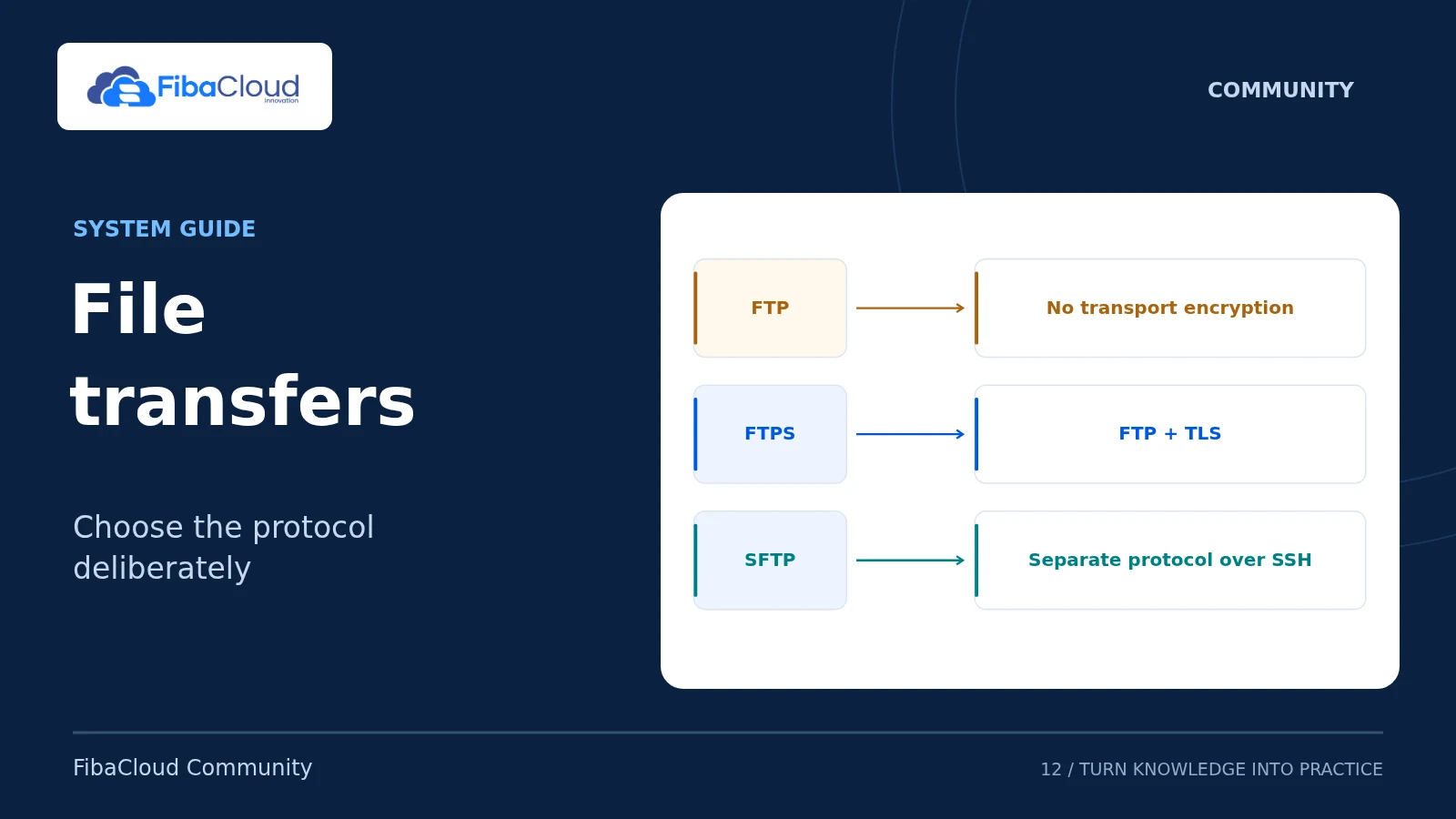
Read the guide: How to Connect to a Remote Server with SSHSFTP / FTPS
Choose a file-transfer protocol and assess authentication, encryption and transfer integrity.
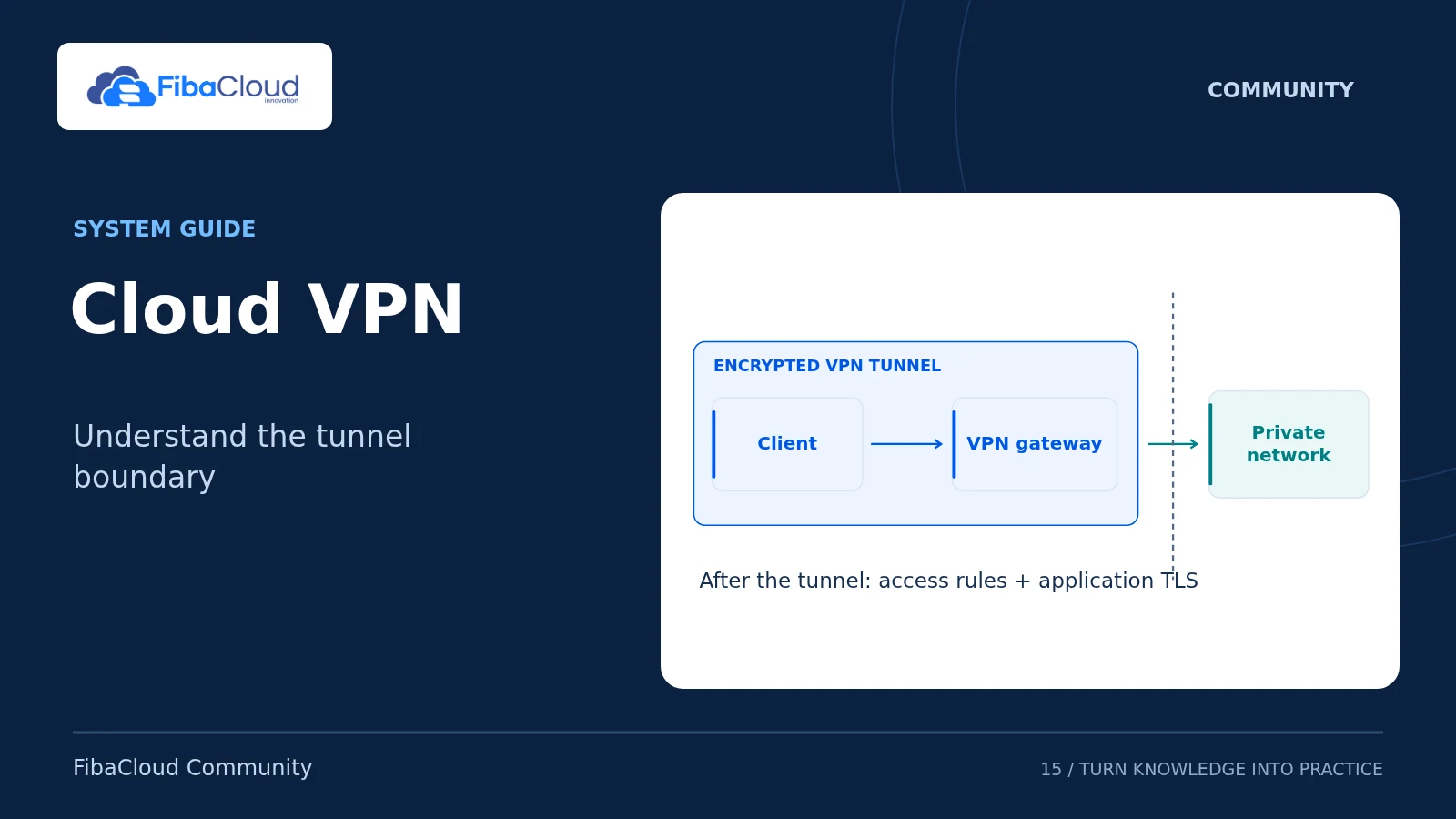
Read the guide: File Transfers with FTP, FTPS and SFTPWireGuard
Explore a VPN example restricted to the target server, including route boundaries and rollback.
Read the guide: Cloud Security with VPN: Restricted WireGuard AccessStarting points for web servers, control panels and WordPress.
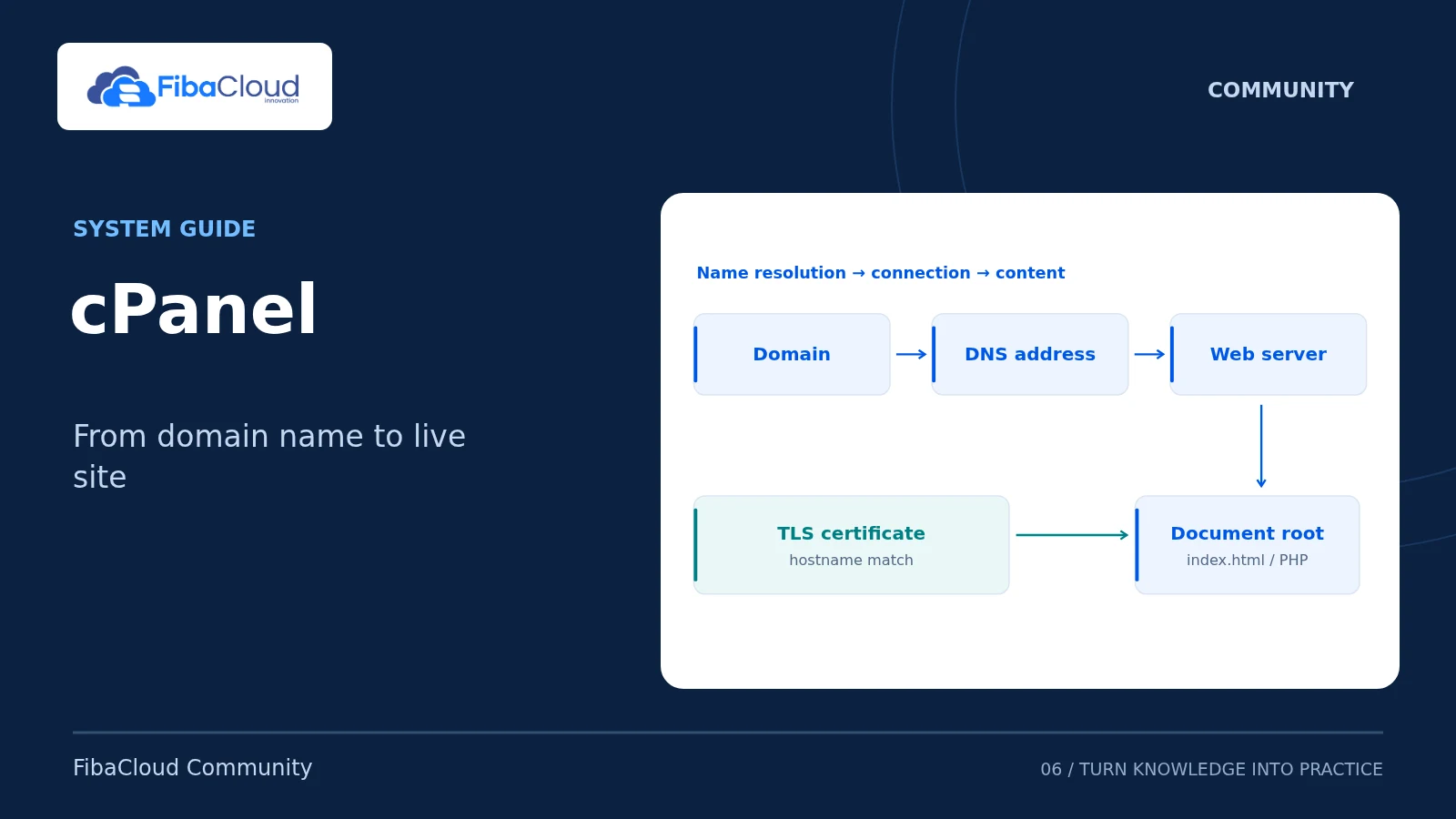
cPanel
Work through files, domain names, HTTPS and backups with the correct document root.
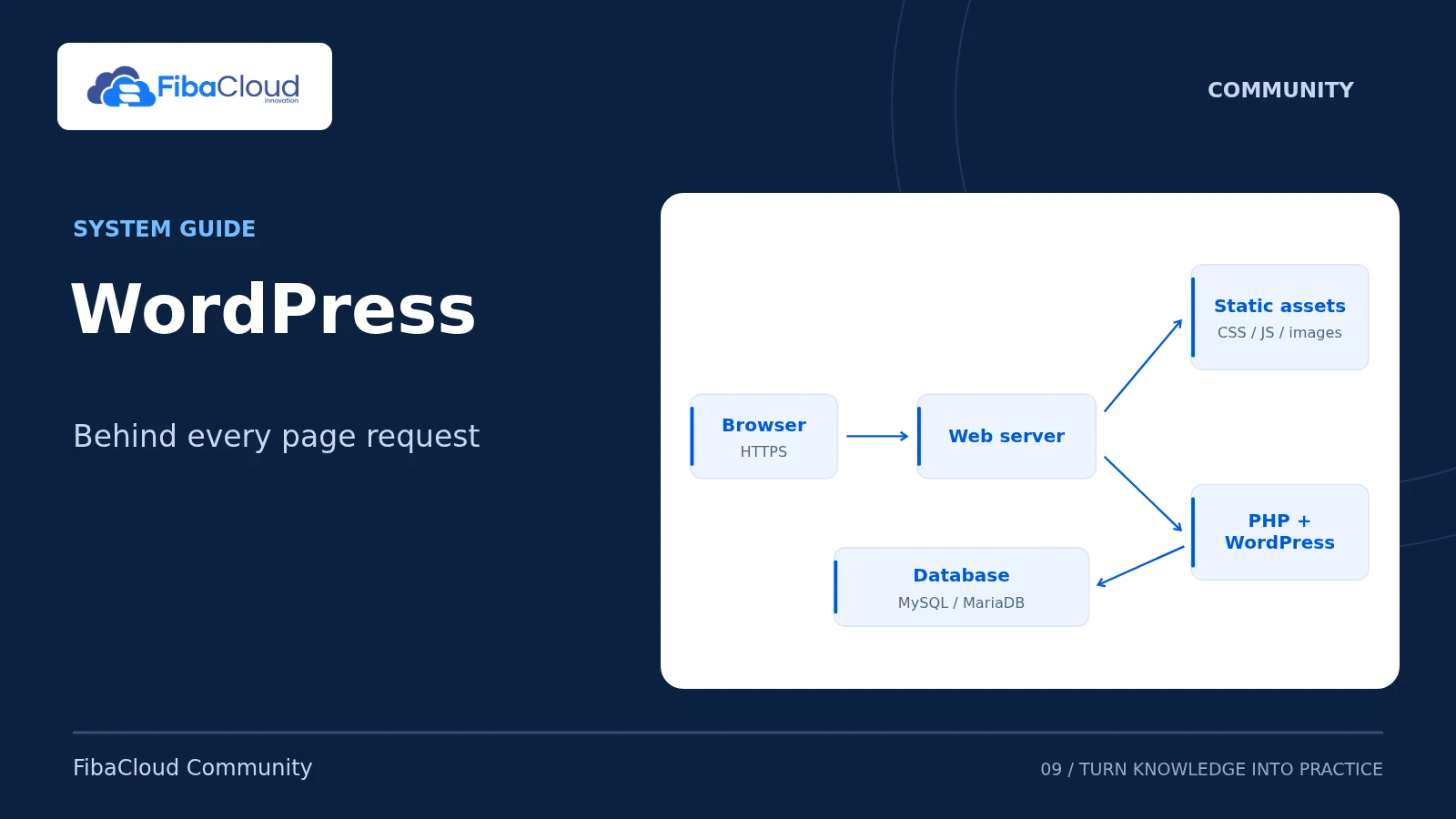
Read the guide: Publish a Website with cPanel: DNS, HTTPS and BackupsWordPress
Plan a new WordPress VPS installation around the application, database and access responsibilities.
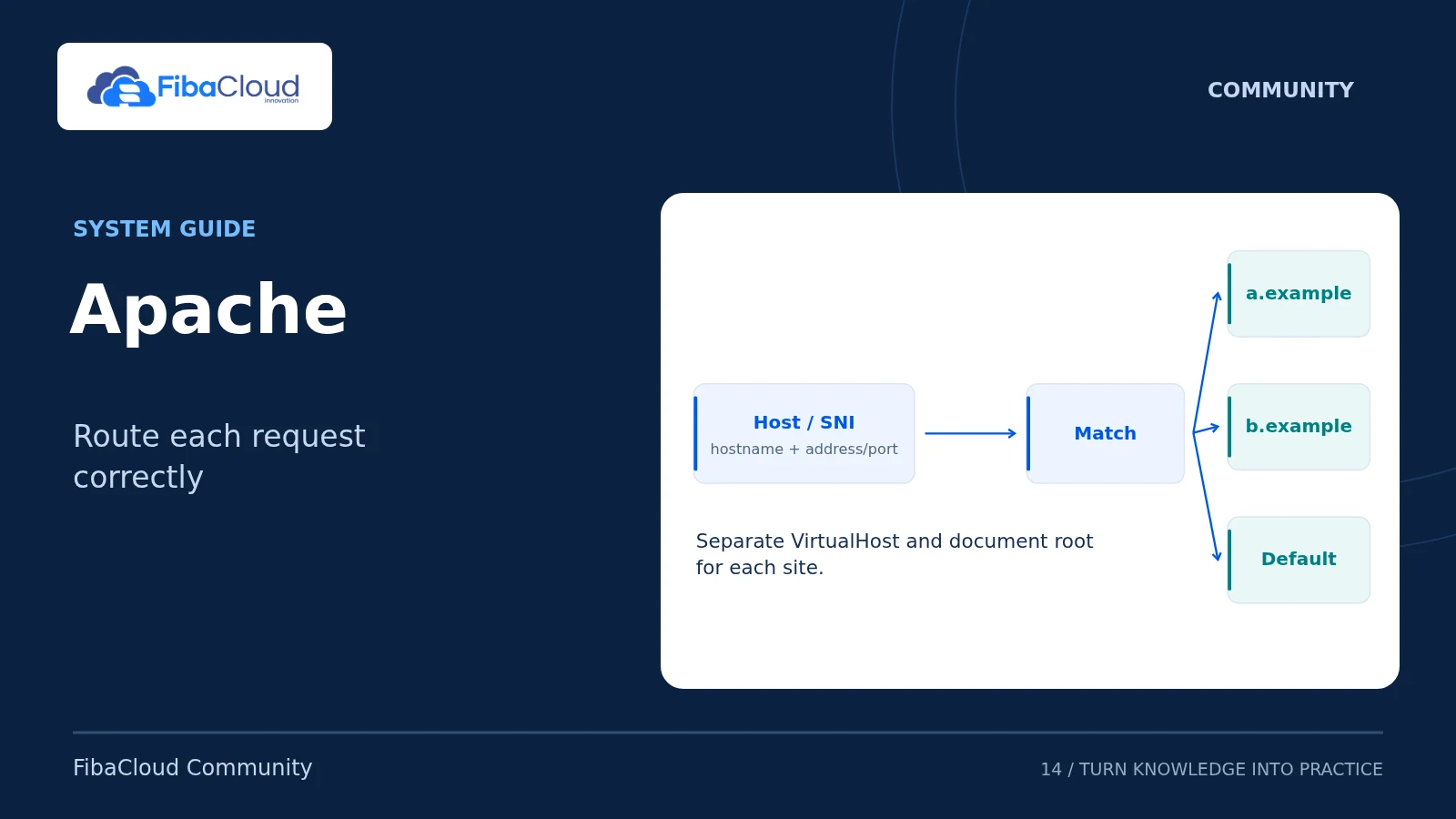
Read the guide: Install WordPress on an Ubuntu 24.04 VPSApache
Follow web-server setup, access and configuration checks on a new Ubuntu server.
Read the guide: Install and Configure Apache on Ubuntu 24.04Operations tasks from database access to metrics and recovery.
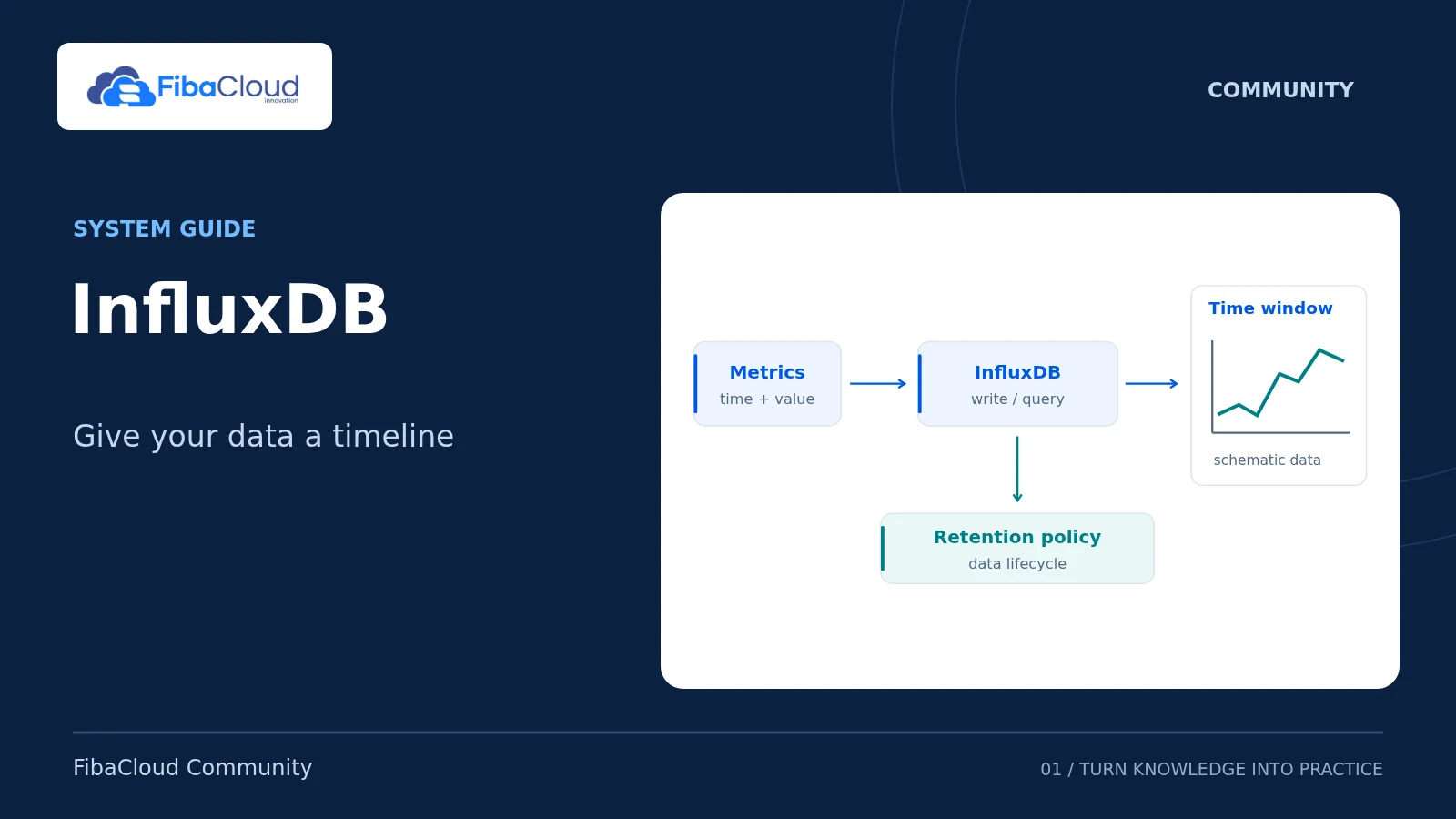
InfluxDB 2.x
Write and query time-series data with a scoped token; check version, retention and backup scope.
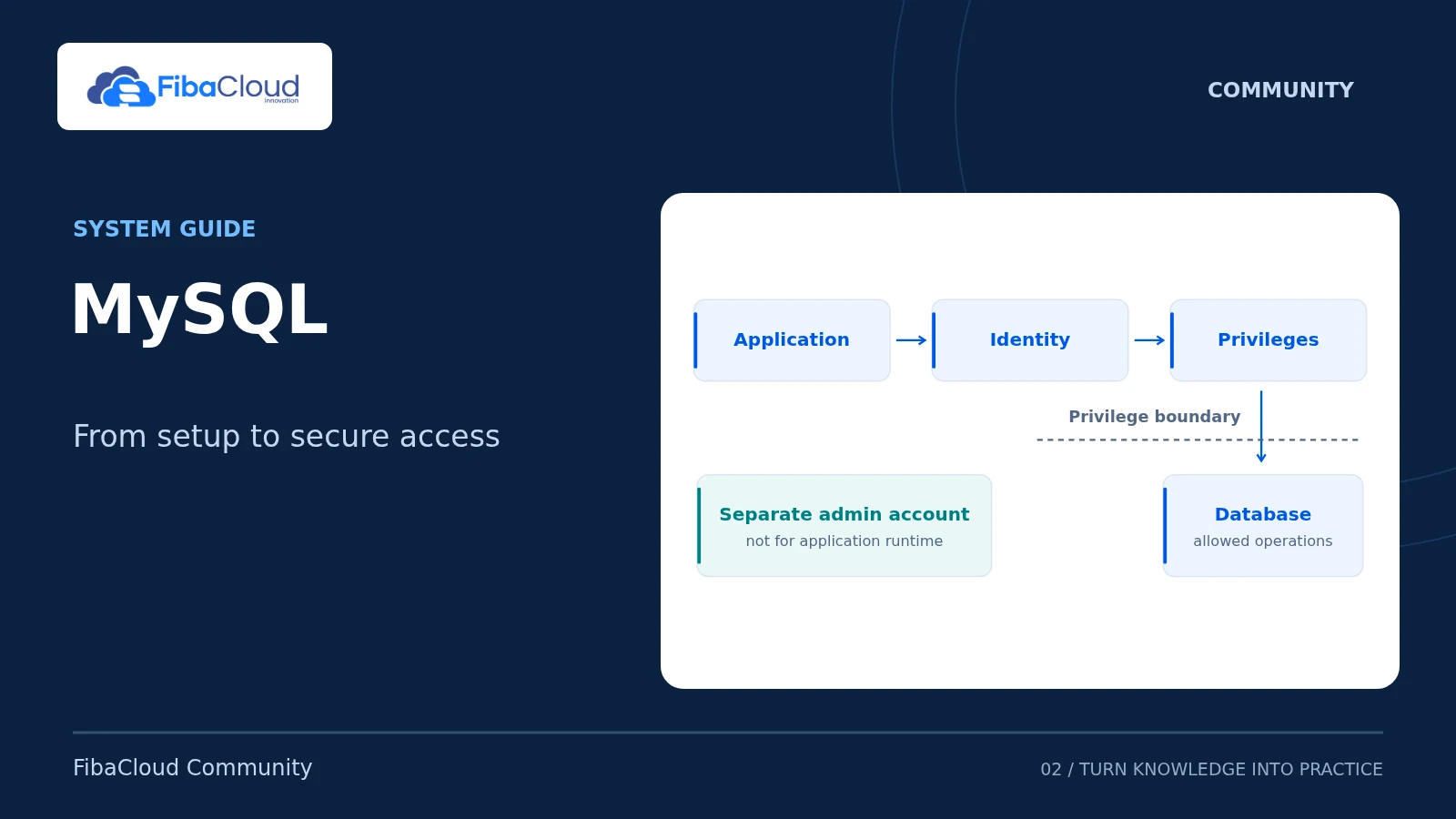
Read the guide: Install InfluxDB 2.x on Ubuntu 24.04MySQL 8.4 LTS
Read the package, service and account checks for MySQL 8.4 LTS on Ubuntu 24.04.
Read the guide: Install MySQL 8.4 LTS on Ubuntu 24.04Grafana OSS
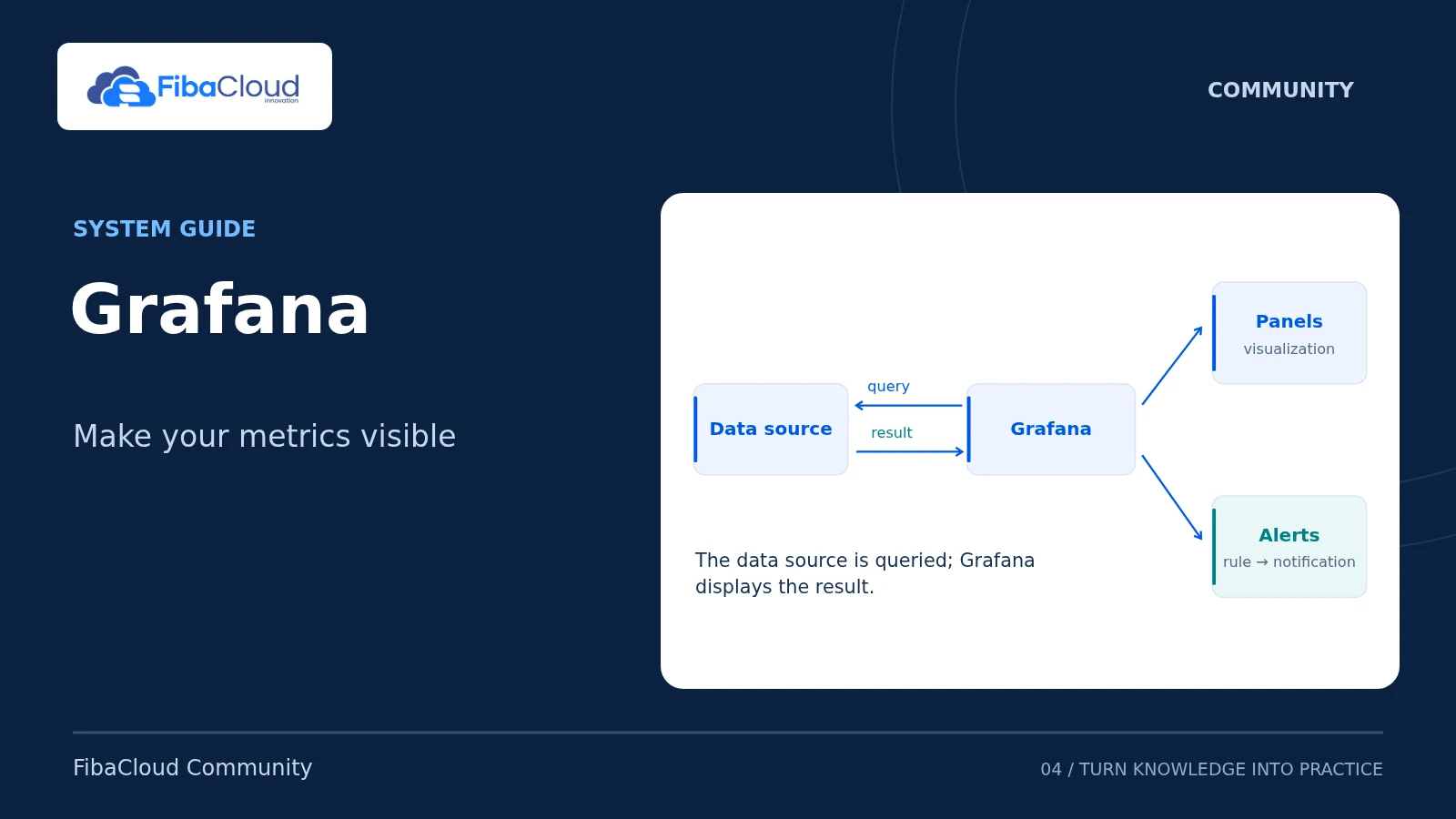
Follow the path from a data source to a dashboard, including access, configuration and backup boundaries.
Read the guide: Install Grafana OSS on Ubuntu 24.04RPO / RTO
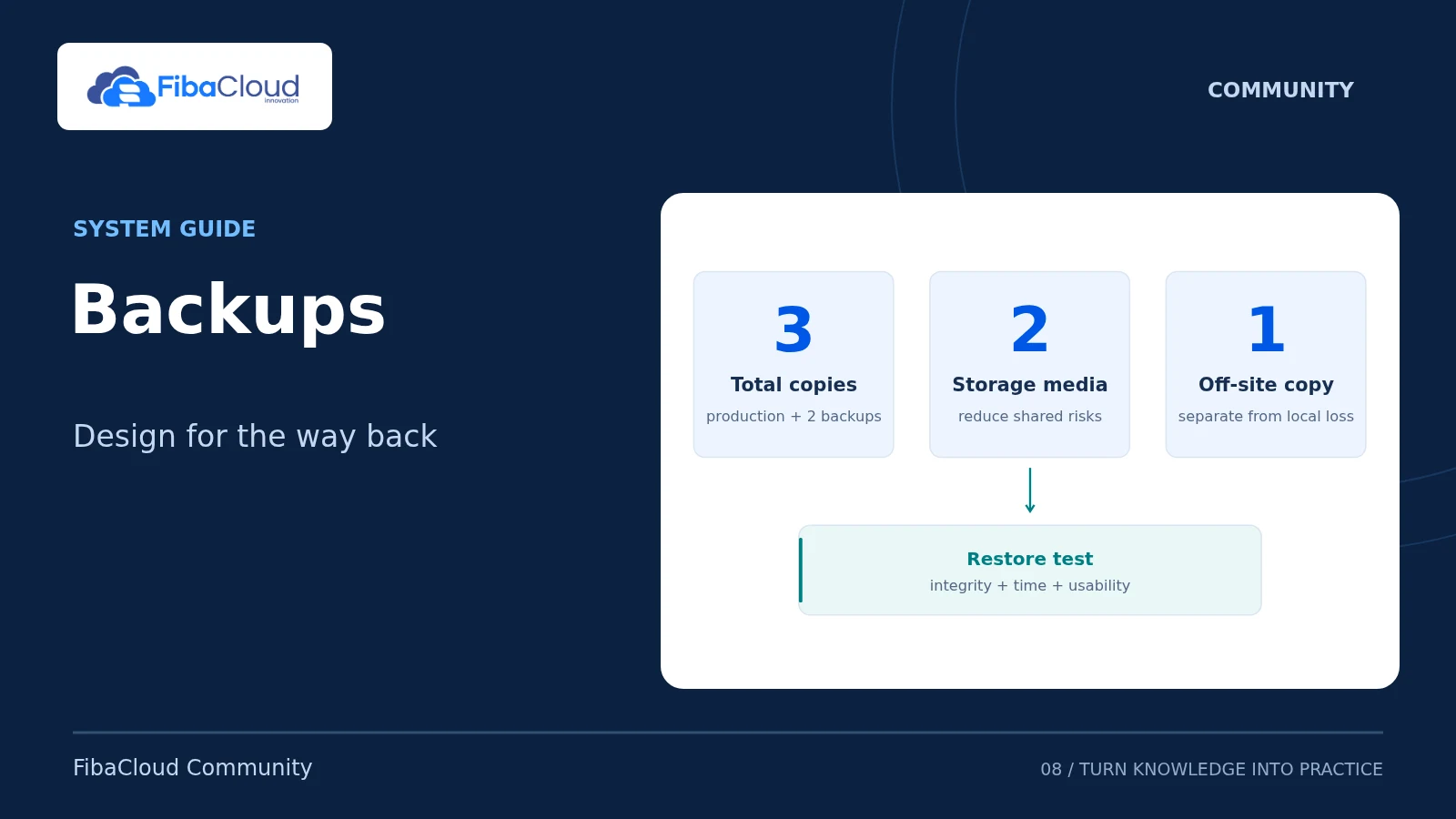
Connect backup frequency to business needs and plan separate-target restores and recovery-time checks.
Read the guide: Daily Backup Plan: RPO, RTO and Restore TestingMySQL
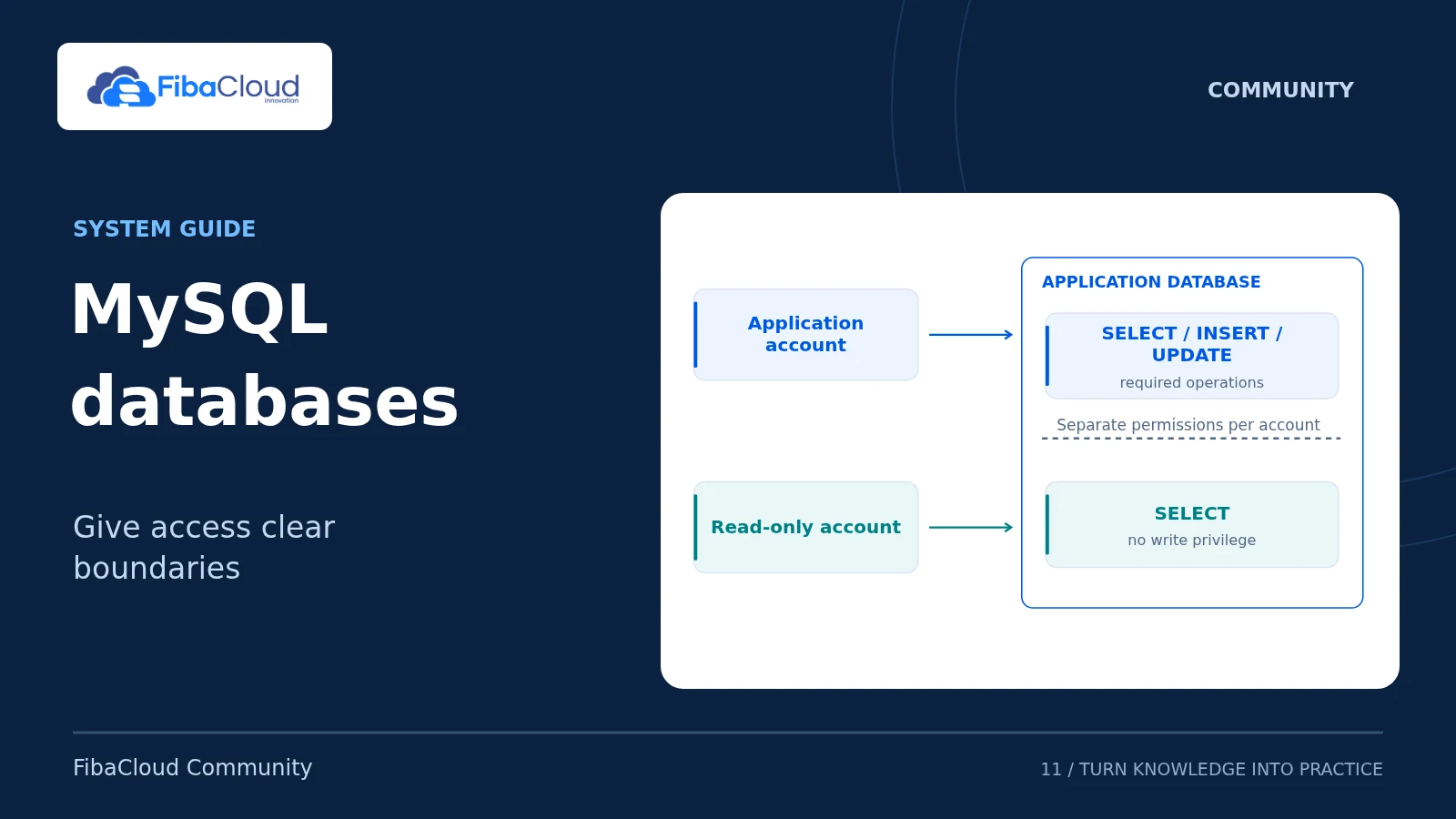
Explore databases, application users, limited permissions and restore checks.
Read the guide: MySQL 8.4: Create and Manage a DatabaseGuides to deployment, local orchestration and repeatable operations.
Docker
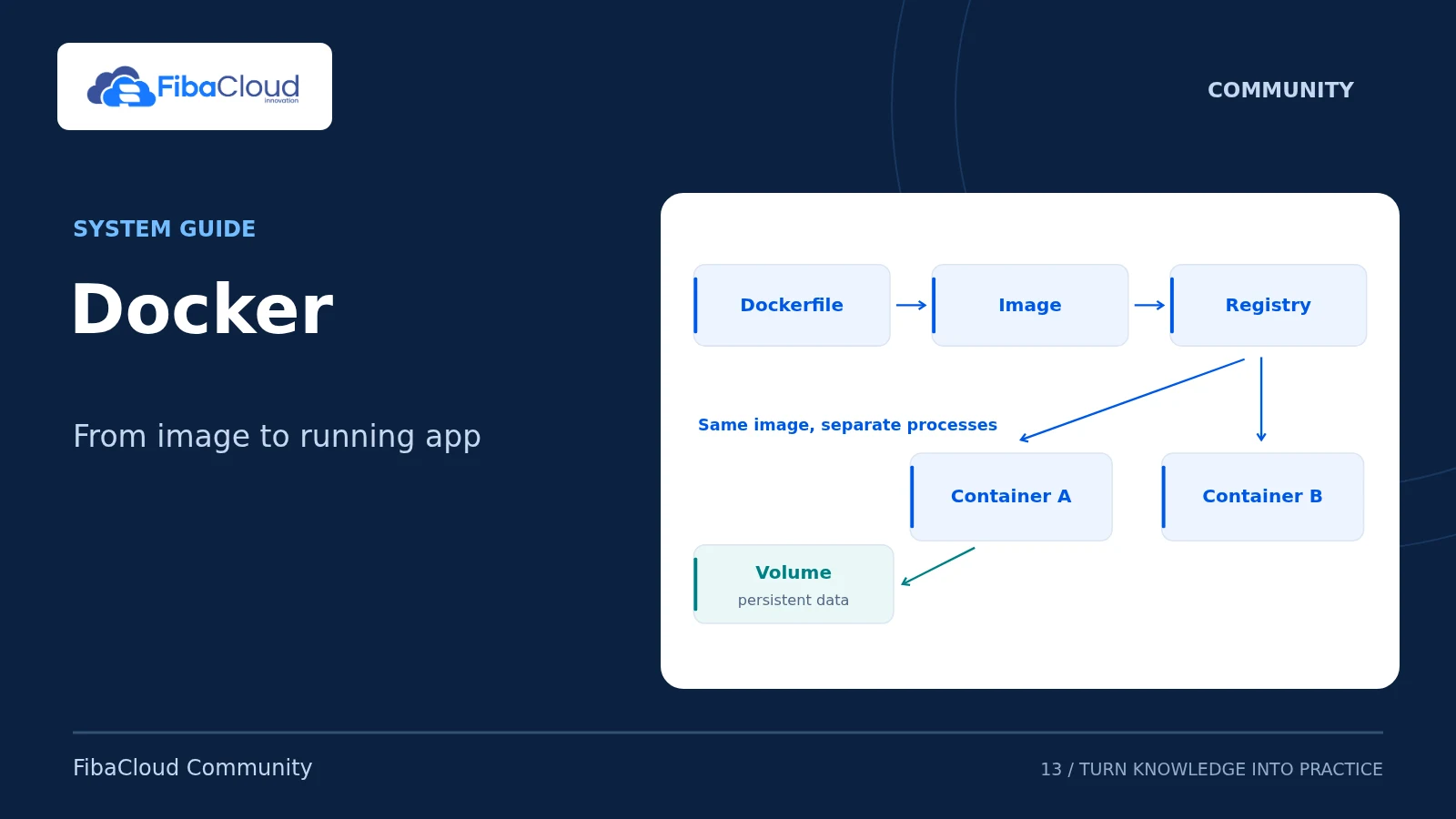
Follow an application deployment example with attention to container access, data and image versions.
Read the guide: Install Docker and Deploy an App on UbuntuDocker / Minikube
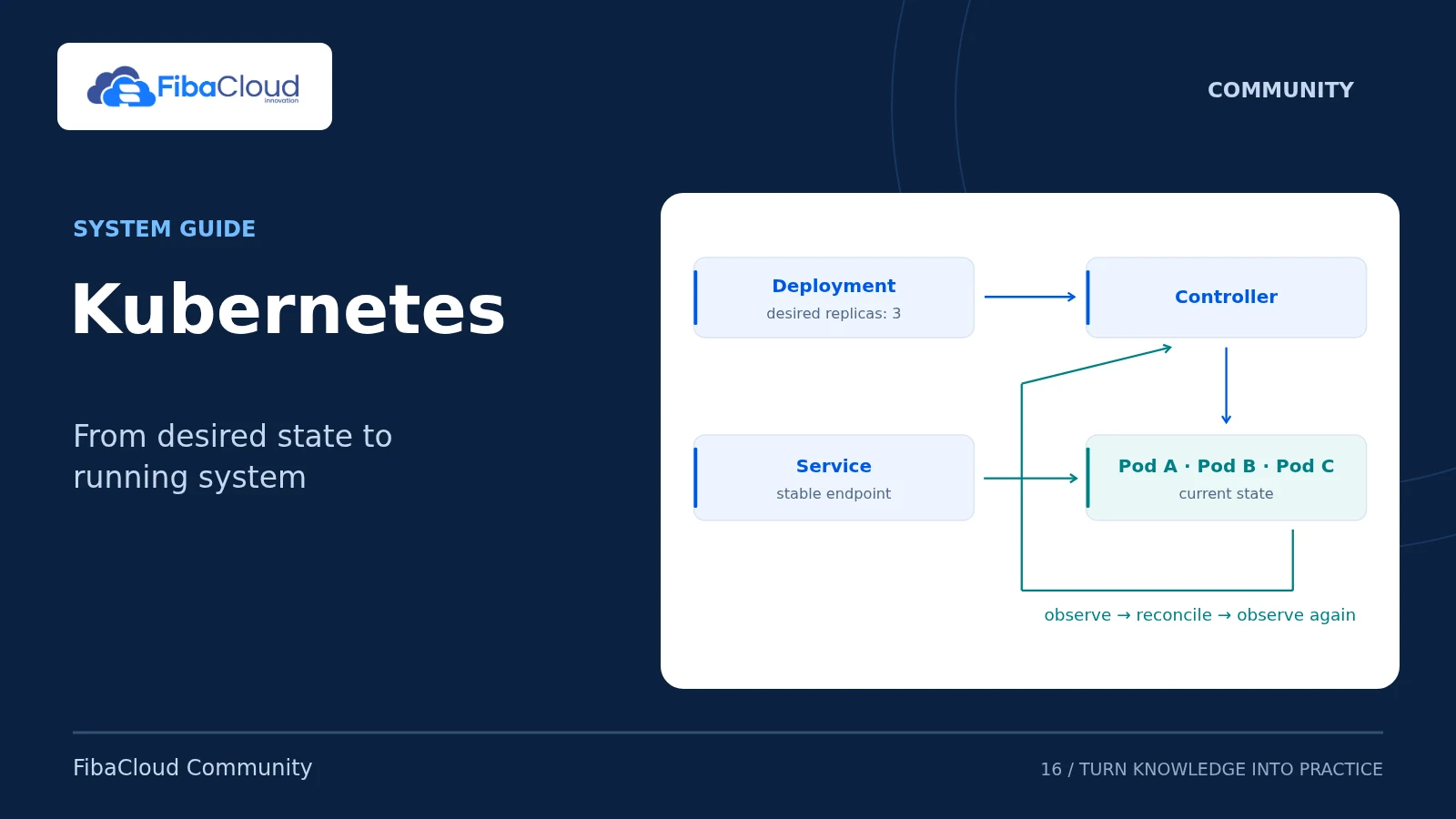
Explore Pods, readiness and port-forwarding in a local Kubernetes environment and retain the example boundaries.
Read the guide: Set Up Local Kubernetes with Docker and MinikubeBEFORE YOU RUN A COMMAND
The conditions used in an example may differ from your existing system. Read the version, scope and technical review notes before deciding how to proceed.
Compare the operating system, product version and required permissions.
Check the expected output and the connections that should be rejected.
Assess your data and recovery path before changing an existing service.
THE NEXT STEP FOR YOUR PROJECT
Identify your application’s compute, memory and storage needs. Explore FibaCloud cloud servers and select resources for the way your project will be used.
Explore cloud servers