Updated:
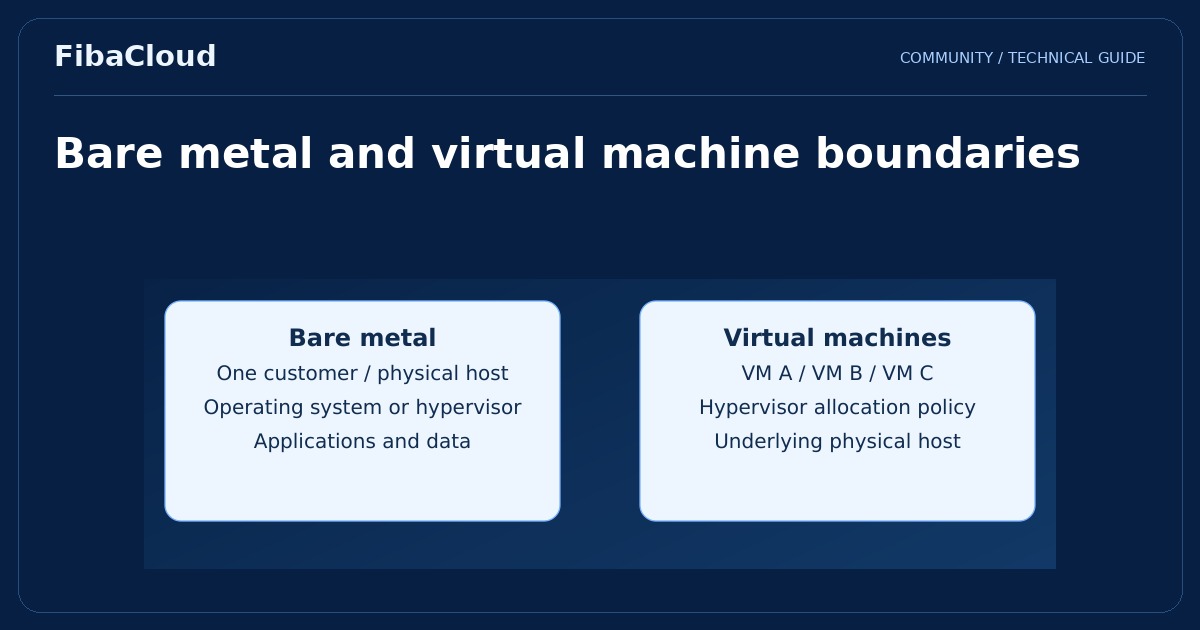
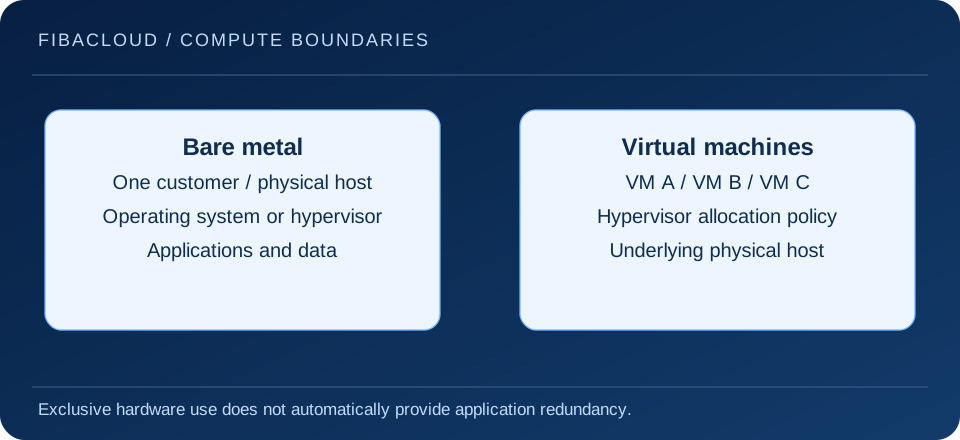
In a bare metal service, a physical server is provisioned instead of a virtual machine. An operating system can run directly on it, or the customer can install a virtualization layer where the service permits. The defining question is which physical machine is allocated, rather than how many virtual resources a guest receives.
Enlarge illustration →
What is actually allocated?
Assess the processor model, memory, disks, network interfaces and hardware replacement arrangements together. A server assigned to one customer does not imply that every network path or storage component is also exclusive. Read the technical scope to establish where dedicated hardware ends and shared infrastructure begins.
Operating system administrator access is different from access to a remote hardware console. Firmware changes, disk replacement, reinstallation and rescue environments may follow separate procedures. If an application requires special drivers or hardware configuration, confirm which operations you can perform before choosing the service.
Bare metal versus dedicated CPU and virtual machines
A virtual machine uses hardware presented by a hypervisor. Dedicated CPU usually describes how processor capacity is allocated to that machine. Reserved CPU capacity does not provide control of the whole physical server. Check how the supplier defines a physical core, hardware thread and vCPU, and whether that definition matches the application’s requirements.
A bare metal server can itself host virtual machines. The decision therefore extends beyond whether virtualization is present. Running your own hypervisor adds responsibility for updates, guest networks, capacity and backups. That flexibility is useful when the team has a clear reason for it and the ability to operate the extra layer.
Which workloads may benefit?
Sustained compute workloads, applications needing specific hardware features and projects with a physical separation requirement may be candidates. A database may be constrained primarily by storage latency and memory, while batch processing may depend on instruction support and processor throughput. A server category alone cannot predict application performance.
Smaller or fluctuating workloads can leave part of the machine idle. Expanding capacity may require provisioning another server or moving data, rather than simply changing a virtual machine size. Build a workload profile that includes busy periods, growth and maintenance. Compare measured behavior with the operational cost of keeping spare capacity available.
A single server is still a failure domain
Exclusive use does not remove hardware failure. RAID, redundant power and multiple network connections address particular failure scenarios; they are not substitutes for application backups or another recovery location. Repairing a machine and restoring the application elsewhere are different recovery strategies with different dependencies.
Plan to restore databases, files, configuration and the secrets required to run the service. A backup stored only on disks attached to the same machine may share the failure you are trying to survive. During a recovery exercise, verify data consistency and user transactions as well as a successful operating system boot.
A practical selection checklist
- Measure processor, memory, storage and networking needs using representative application activity.
- Confirm that operating system and application licensing support the chosen hardware and deployment model.
- Read the managed service boundary, hardware intervention process and support terms.
- Plan a migration rehearsal, data synchronization, maintenance window and rollback decision.
- Include hardware, software, backups, traffic and staff time in the total cost.
A short pilot should answer a specific uncertainty, such as whether storage latency meets the application’s target under a realistic dataset. Record the measurement method and configuration so that the result can be compared fairly with a virtual server alternative.
Frequently asked questions
- Is bare metal always faster?
-
No. Processor generation, storage, networking and application behavior matter. Compare the same workload under representative conditions.
- Can bare metal host Kubernetes?
-
It can, with a suitable operating system and network design. Cluster operations, persistent data, upgrades and recovery still require a plan.
Your next step
Use the dedicated CPU guide to understand allocation and the cloud versus virtual server comparison to assess the service model. Confirm required hardware access against the actual FibaCloud product scope.