A daily backup plan does more than copy files every night. It identifies the data to protect, acceptable data loss, the time available to restore service and the person responsible for recovery. This guide builds a practical website backup plan and a file-restoration exercise that does not overwrite the source.
Step-by-step explanation
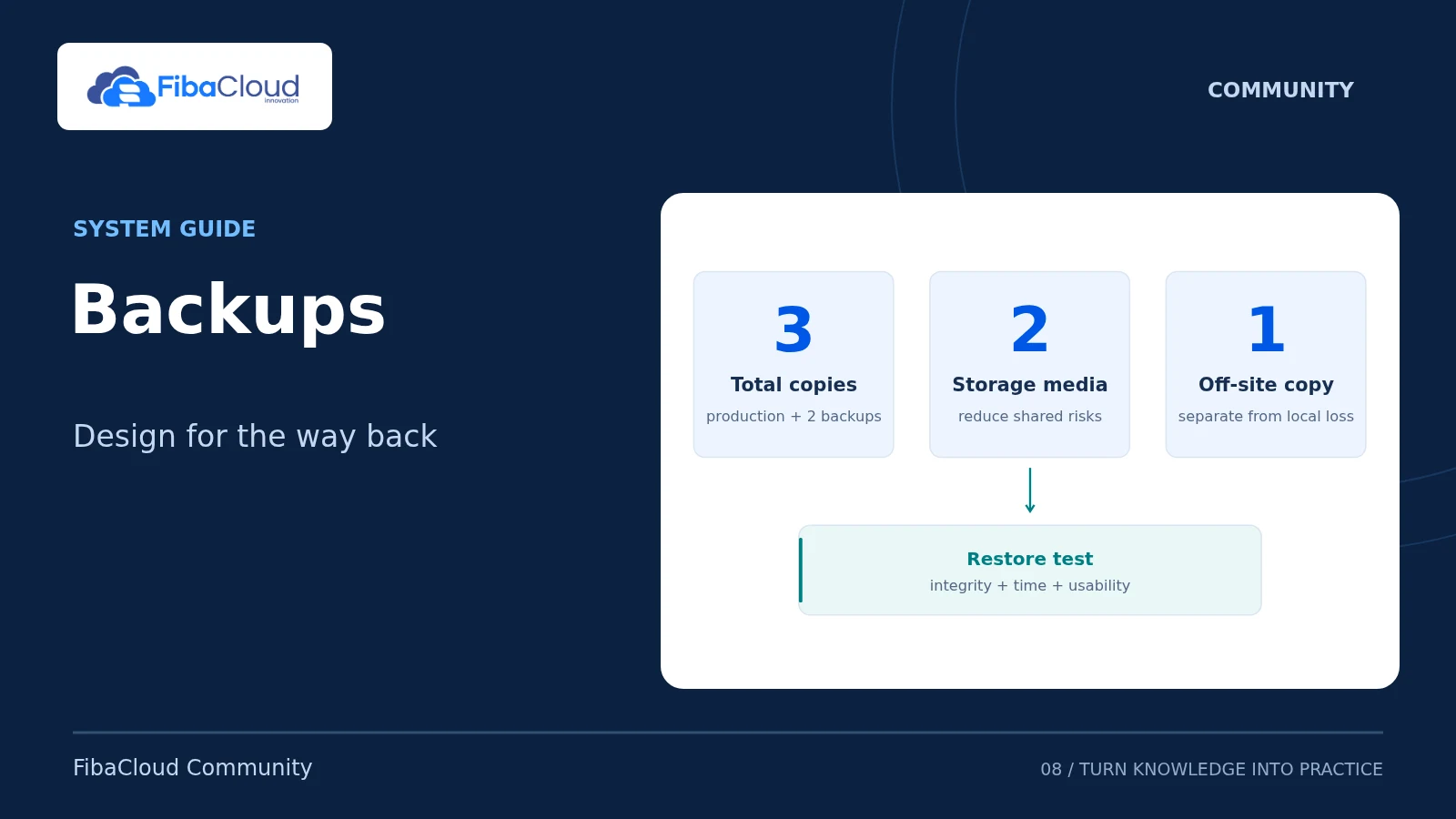
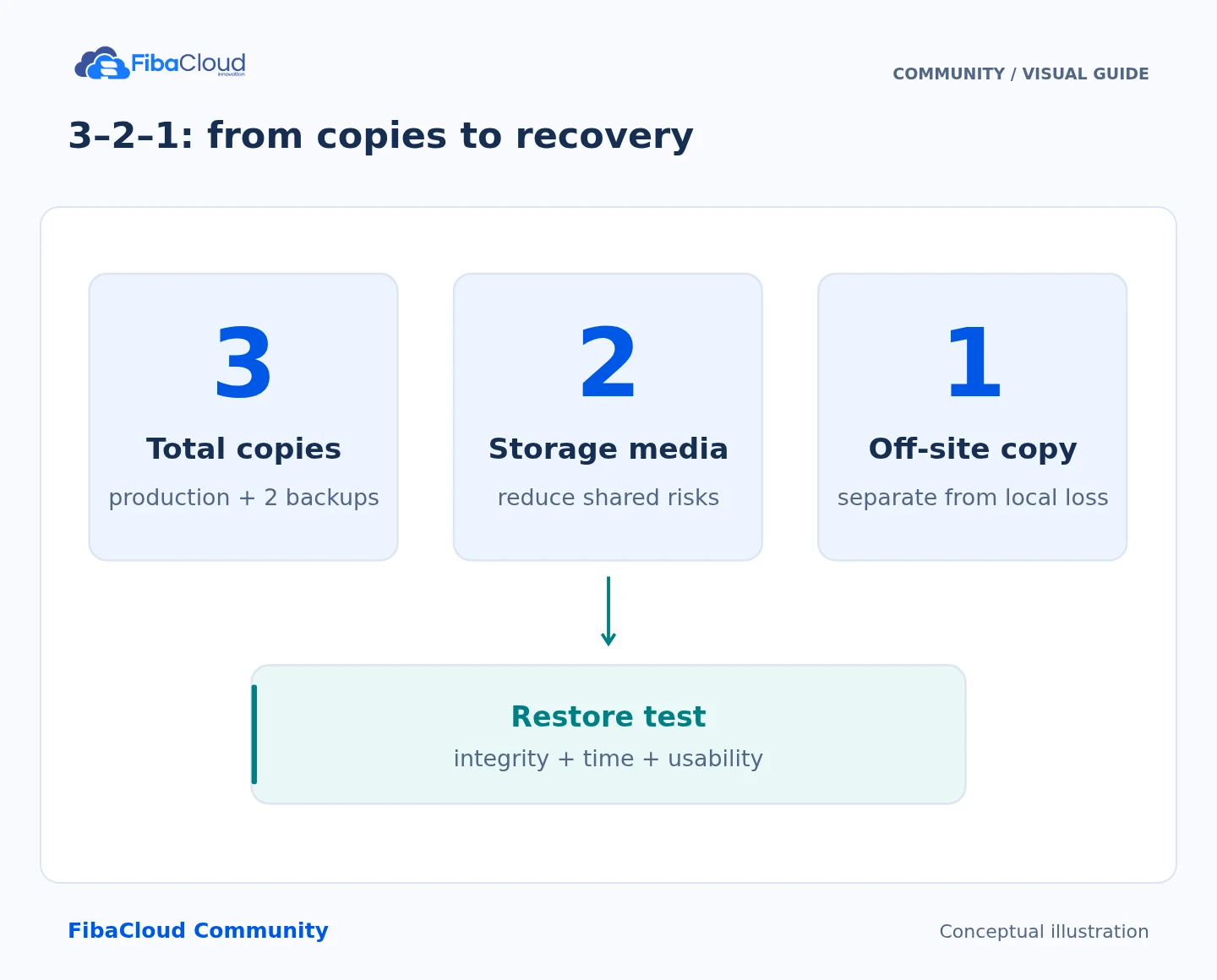
- 3 copies: Keep production data and two backups.
- 2 media: Reduce shared failure dependencies.
- 1 off-site: Separate a copy from the primary site.
- Restore: Measure time and verify integrity.
Define recovery targets first
RPO is the data-loss interval measured from the last usable recovery point. RTO is the target time for restoring service. A system with one nightly backup can lose more than 24 hours of data if a scheduled backup also fails. An order-processing database with an RPO measured in minutes needs more than daily file copies: use its supported log/PITR or more frequent backup design.
Validate this example against your data volume and service agreement:
| Area | Example decision | Acceptance check |
|---|---|---|
| Protected data | Site files, configuration and application-aware DB backup | No missing uploads or secret dependencies |
| Schedule | Daily at 03:00 UTC; 06:00 Europe/Istanbul | The scheduler’s actual timezone is recorded |
| Retention | 14 daily copies and 4 weekly copies | Capacity and available recovery dates are measured |
| Second copy | Another failure domain with separate access credentials | Compromise of the main account cannot delete both copies |
| Ownership | Operator and backup operator | Failed/missed-job alerts reach the intended recipient |
| Recovery | Separate destination first, controlled cutover later | Data correctness and actual recovery time are recorded |
These values are not a FibaCloud service commitment. Verify available controls, quotas/prices, encryption and retention against your selected service’s current terms. Do not assume identical screen names or options across every plan.
Obtain a consistent backup
Copying a running database’s files with ordinary tar does not produce an application-consistent backup. MySQL needs an appropriate dump/physical backup; PostgreSQL needs an appropriate dump/base backup and log strategy. The MySQL management guide demonstrates a dump restored into another database. Use the database vendor’s documented method rather than archiving its active data directory.
The following exercise uses unchanging sample files only. For a real application, coordinate files and database state using a maintenance window, the application’s backup mechanism or documented snapshot consistency. A snapshot or HA system is not equivalent to an independent backup.
umask 077
lab_dir=$(mktemp -d)
mkdir "$lab_dir/source" "$lab_dir/backups" "$lab_dir/restore"
printf '%s\n' 'Backup verification' > "$lab_dir/source/index.txt"
printf '%s\n' 'version=1' > "$lab_dir/source/config.txt"
tar -czf "$lab_dir/backups/site.tar.gz" -C "$lab_dir/source" .
sha256sum "$lab_dir/backups/site.tar.gz" > "$lab_dir/backups/site.tar.gz.sha256"
sha256sum --check "$lab_dir/backups/site.tar.gz.sha256"
tar -tzf "$lab_dir/backups/site.tar.gz" Check a successful exit, a nonempty archive and the expected file list together. A hash detects changes to the copy; it does not by itself establish application consistency or trusted provenance. If an attacker can replace both archive and hash, this check is insufficient.
Restore into a separate destination
Extract your own archive into the empty restore directory. Do not extract an unknown archive into production or as root.
tar -xzf "$lab_dir/backups/site.tar.gz" --no-same-owner -C "$lab_dir/restore"
diff -r "$lab_dir/source" "$lab_dir/restore" diff should report no difference. This tests data equality; a real website also needs HTTP, critical user-flow, database-connection, permission and plugin checks. Prevent restored email, payment, webhook and scheduled-job configurations from acting on real customers during the exercise. Do not restore over the running source site.
Record the start/end time, archive timestamp, file/DB object counts, application result and operator. Compare the measured duration with the target RTO. A failed exercise is not resolved by noting that a backup exists: correct the problem and repeat it.
Verify schedules and alerts
When configuring the product scheduler or an operating-system job, define its execution account, explicit timezone, overlap behavior and unsuccessful exit codes. Keep secrets out of cron lines; use a file readable only by the job account or a secret manager. With test data, simulate a failed job and a missed schedule and verify that the notification actually arrives.
Apply retention cleanup only after validating the new backup and the second copy. Avoid examples that automatically remove the last usable copy. Do not keep the encryption key in the same single failure domain as every backup: recovery authorization and key access also need testing.
Maintain a recovery procedure
Re-measure after changes to data volume, application version or destination storage. For example, schedule monthly complete restoration exercises and another test after significant changes; the appropriate frequency depends on your business requirements. Before removing the sample directories, inspect $lab_dir and its contents. Do not run cleanup with variables that have been repointed at production paths.
If the new schedule fails, preserve the previously working job and last valid backup. Changing destinations or cleaning up failed copies must not remove the only usable recovery point.
Sources
- CISA: separate backups and restoration testing
- GNU tar: backup and restoration
- MySQL 8.4: mysqldump and consistency limitations
- PostgreSQL 16: SQL dump backups
Technical content and sources reviewed on October 4, 2026. Recheck the relevant official documentation when a version or provider changes.
Leave a Reply